
The New WorkPro Candidate User Experience
The New WorkPro Candidate UX
The WorkPro journey has always been about innovation and a pledge to making the employment process seamless and efficient. That commitment continues with the launch of WorkPro’s new candidate user experience.
Since our inception in 2006, WorkPro has been at the forefront of transforming how businesses manage workforce compliance. From the first safety
eLearning modules to pioneering automated
work rights checks and
police checks, and towards our comprehensive compliance and job-readiness platform. Every step we’ve taken has been driven by our core values: Smart Simplicity, Actively Anticipate, and Deliver Always.

The New UI: Reflecting Our Commitment to You
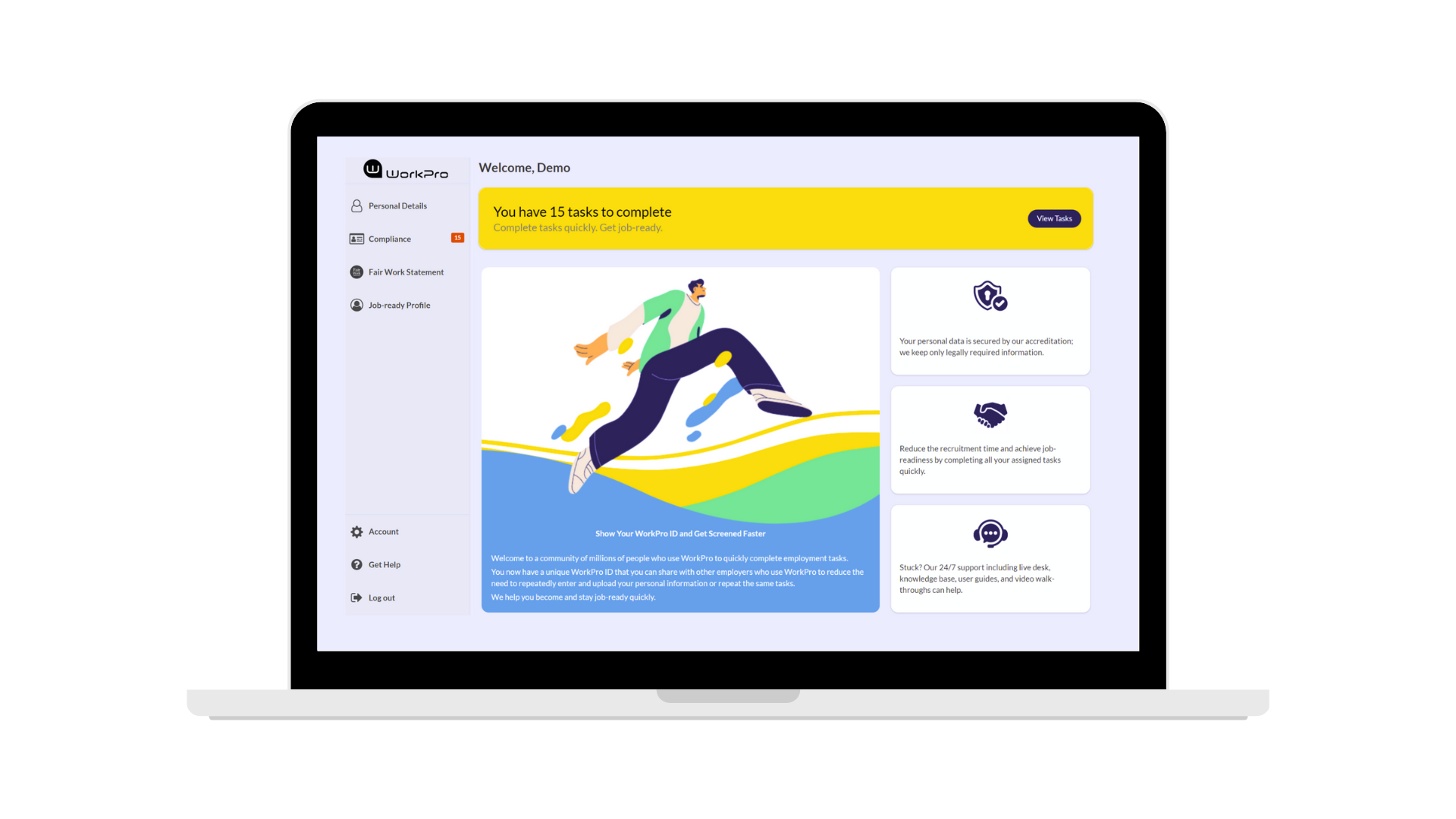
This redesign features a visual update, a mobile-first approach, and a “two-clicks to anywhere” mindset. It’s a reflection of our commitment to you and our continuous effort to improve the candidate’s WorkPro experience. Here’s what’s new:
Improved User Experience (UX)
We monitor and adopt the latest design trends relating to excellence in UX. This is evident in the refreshed intuitive navigation ensuring that your candidates can easily access all the essential functions. We're aware this could be the first time your candidate has an experience with your company, so we know how important it is to deliver a clean, professional design that effectively represents your brand.
Continued High Security Standards
Data privacy, security, and access are critical considerations and we continue to commit to applying the highest layers of security throughout the WorkPro portal. This includes making it clear to candidates how WorkPro manages and secures their data, and how they can handle and manage access to their information.

Performance Improvement and Accessibility on Any Device
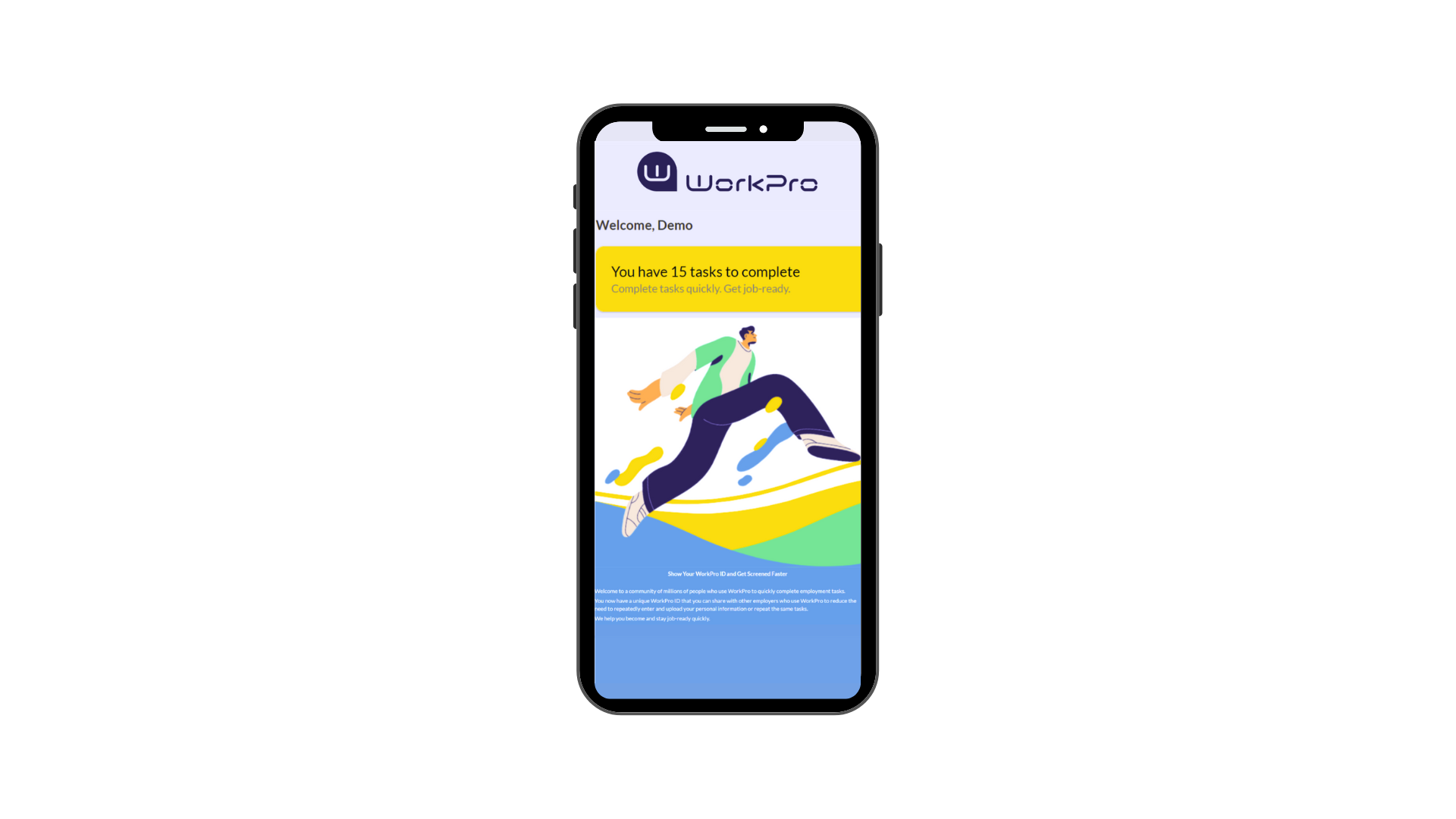
The new UX provides a mobile-first approach and follows our commitment to “two clicks to anywhere.” This provides your candidate with a convenient, seamless experience - anywhere, anytime.
Improved Onboarding and User Assistance
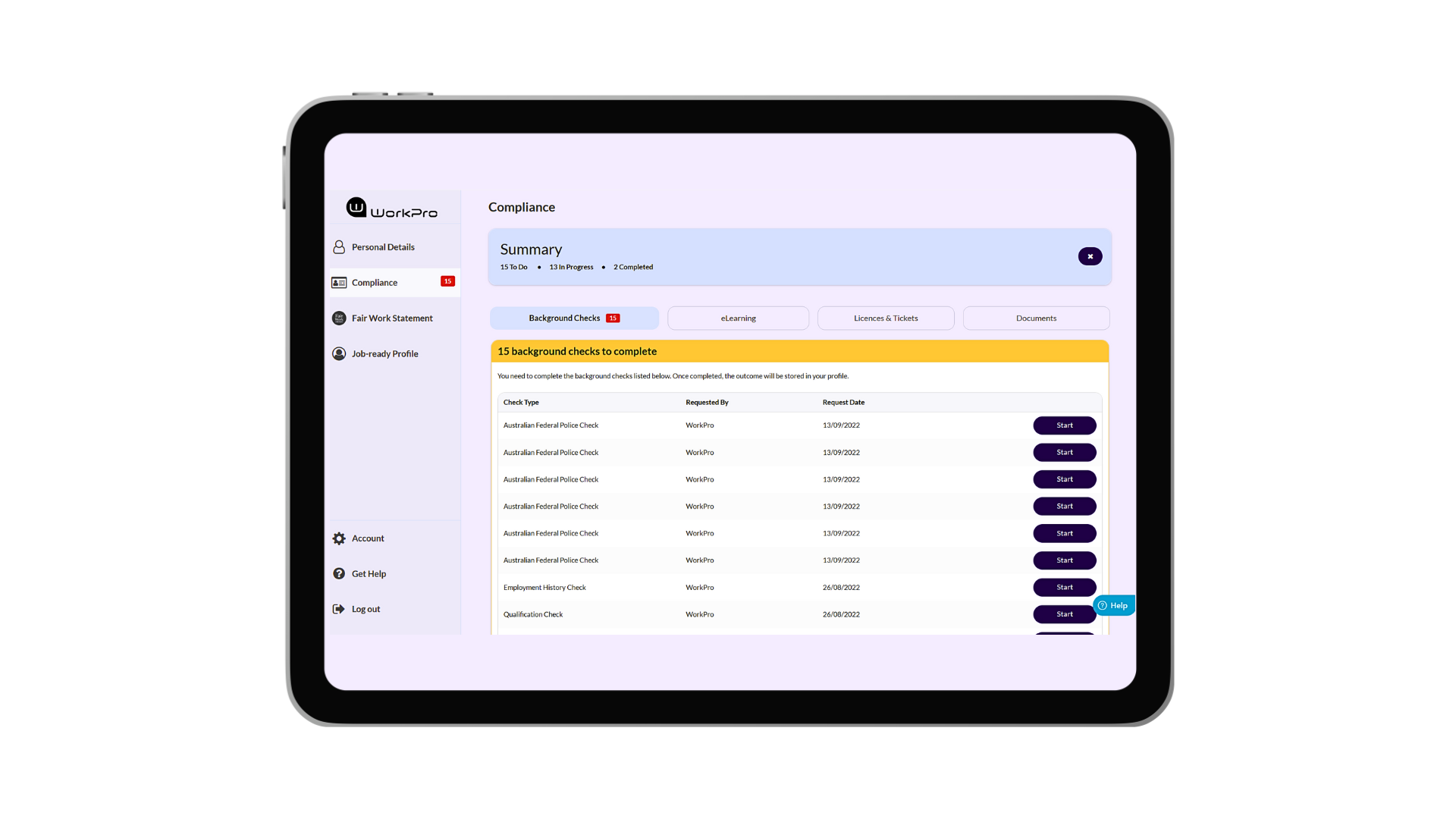
The new user interface provides a range of support options from User Guides and Video Walk-Throughs to a help widget to answer basic questions when the candidate needs it. We’ve also introduced an introductory walk-through to help new candidates easily become familiar with their personal dashboard – right from the start.
We’re excited to share this refreshed design with all new and returning candidates across Australia and New Zealand. Together we are transforming job-readiness and making the administration of workforce compliance simple, fast, and efficient.
Yet to experience WorkPro? Contact us today and get your candidates job-ready, faster.